01
Clean home screen
A cinematic launcher built around your favourite apps—not ads, promos or recommendations you never asked for.
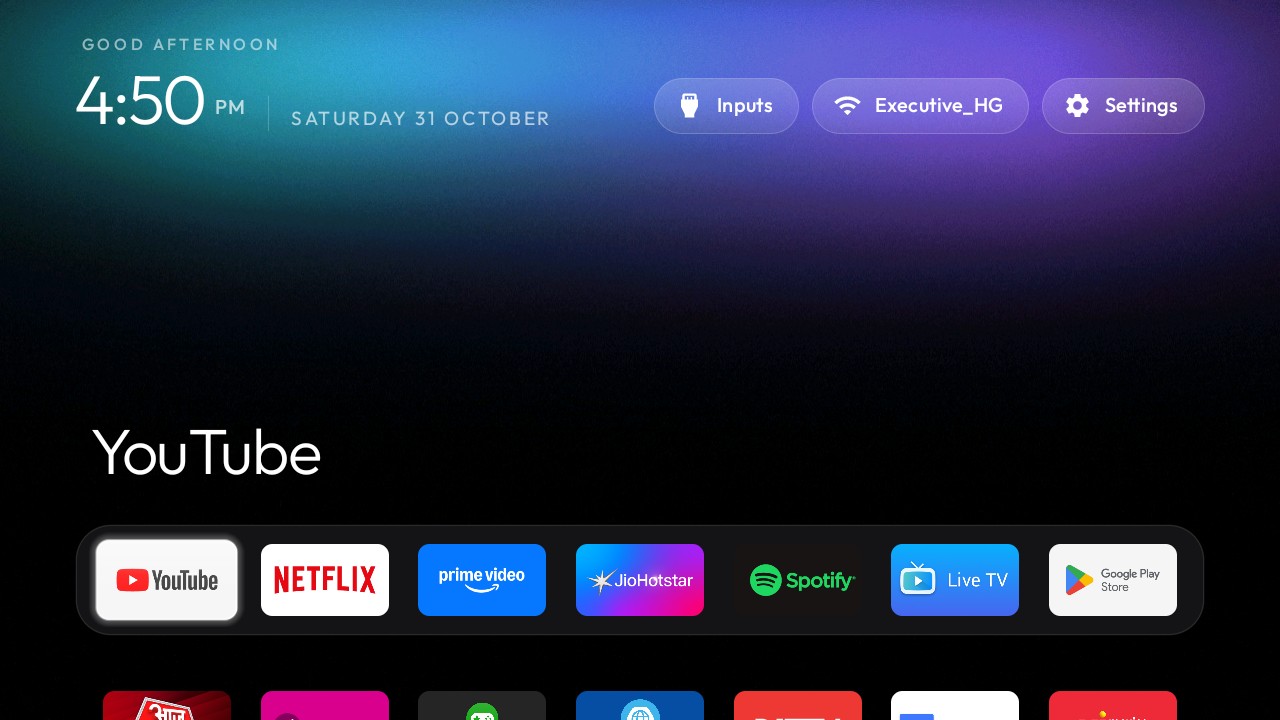
Android TV & projector makeover
We turn cluttered, ad-heavy Android TVs into clean, fast, beautifully organised screens—without rooting, piracy or permanent changes.
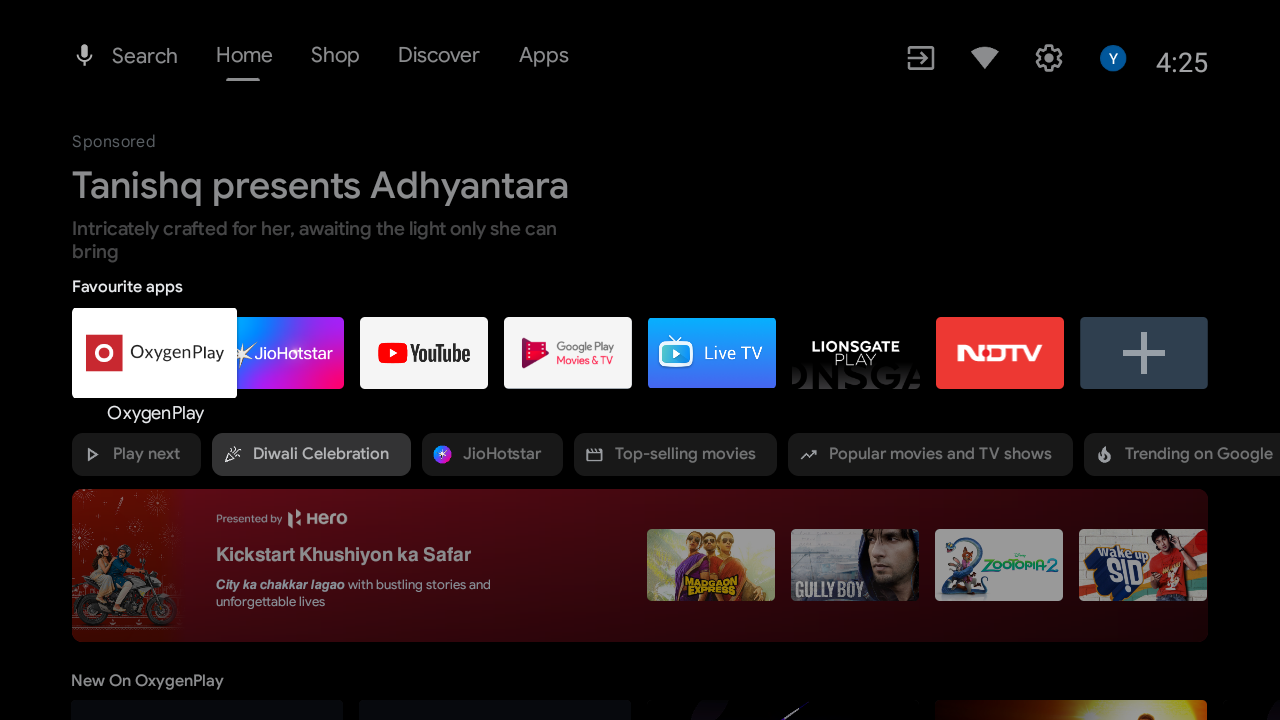 Before
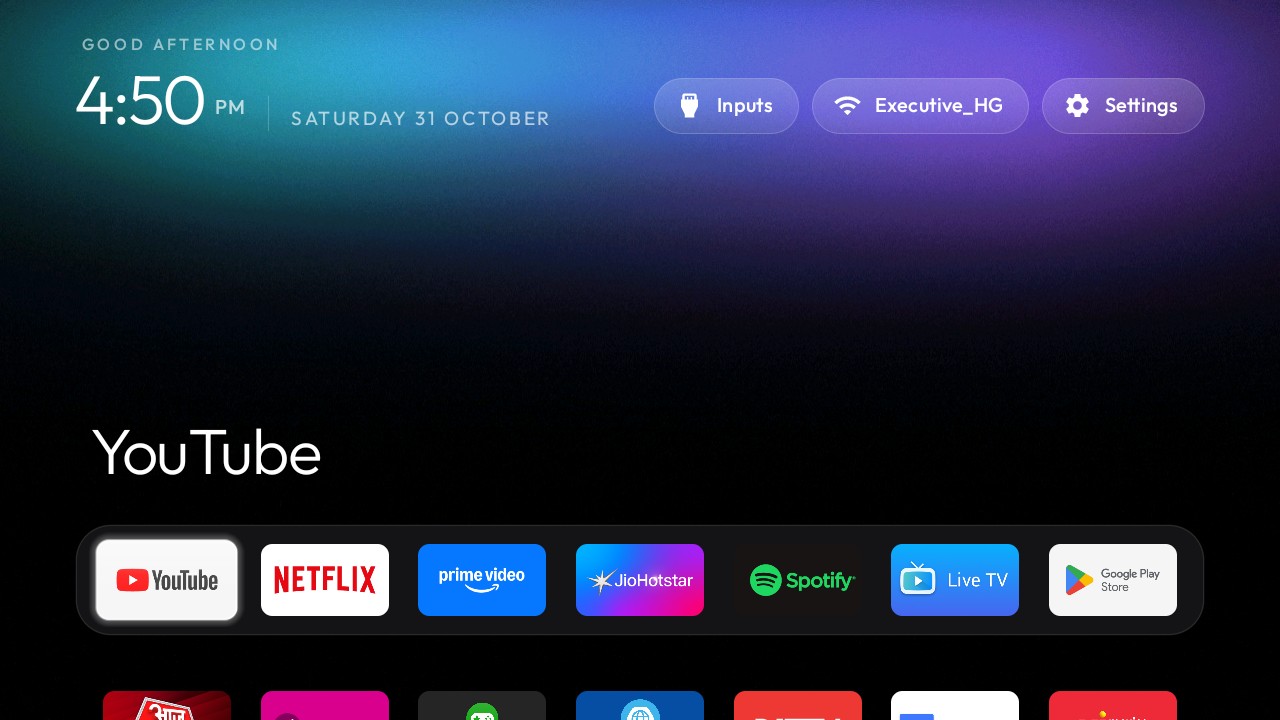 After
↔ Drag to compare
A calmer screen
We remove the noise between switching on your TV and watching what you came for.
A cinematic launcher built around your favourite apps—not ads, promos or recommendations you never asked for.
Cache, memory and animations tuned so an older TV feels responsive again.
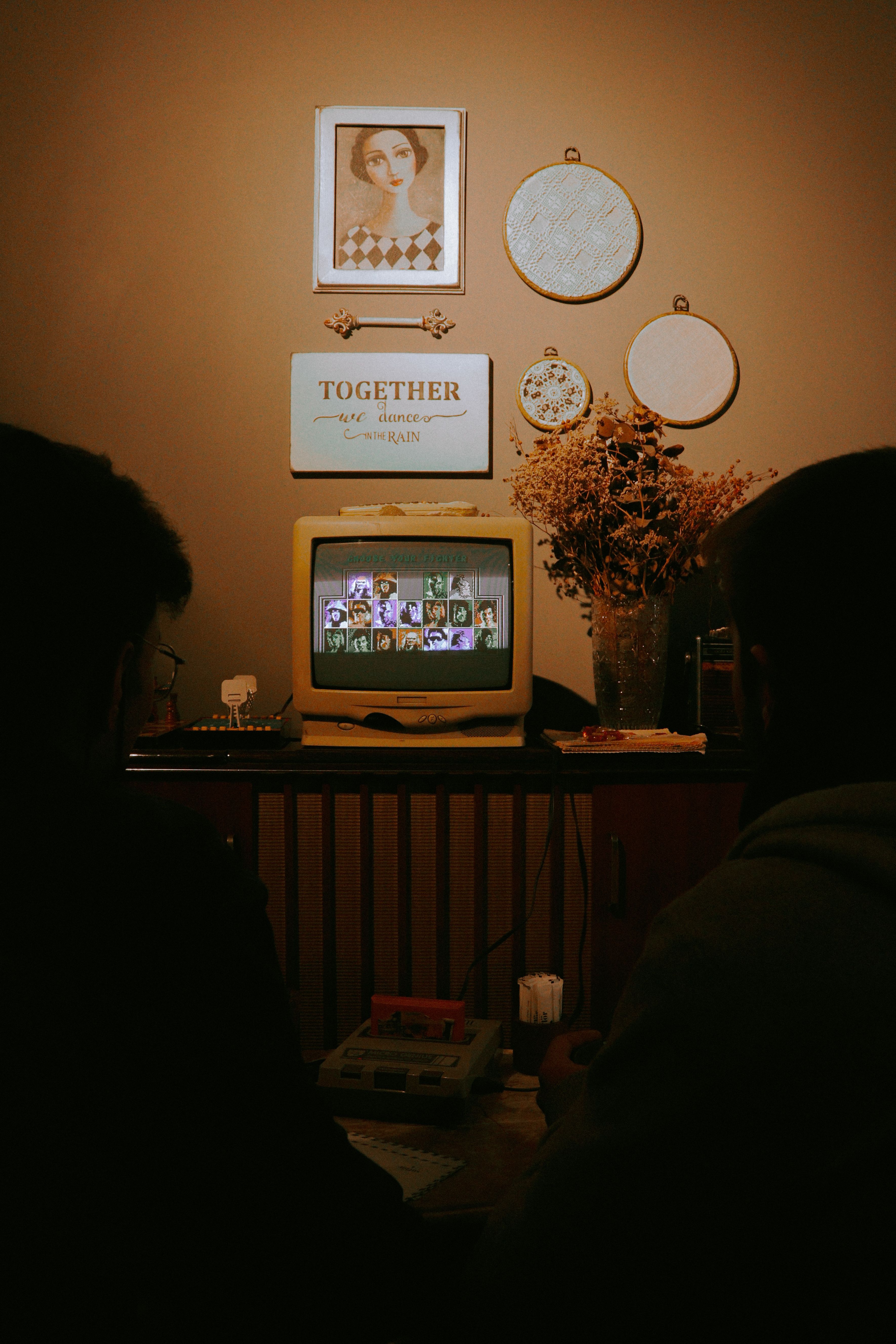
Add a focused collection of 4–8 games, controller setup, kids mode, family photos and more.
See gaming setup →We disable—not delete—system apps. No rooting. No flashing. Every change can be restored.
Real customer story
Before the makeover, the cluttered home screen and constant hunting for apps had become genuinely frustrating. We cleaned the interface, organised his everyday apps and added his games where they were easy to reach.
Recorded on the customer’s actual TV after setup. No stock demo and no permanent modification.
Transform my TVChoose your way
Mumbai only
We come to you. Best for first-time setups, multiple screens and commercial spaces.
Mumbai + worldwide
A guided video call and secure one-time connection. You stay present and can end access any time.
Remote service, explained
Remote service means you open a secure screen-sharing app on a Windows computer for your scheduled appointment and share a one-time session code. It lets us guide and control that computer only while the session is open, so we can help configure your compatible TV or streaming device. You stay present, watch every action and can pause or end the connection at any time.
Access begins only after you open the app and provide the current session code. We do not enable unattended or permanent access.
We do not ask for passwords, OTPs, banking information or personal documents. You enter account details yourself, preferably after pausing screen sharing.
We do not use file transfer, clipboard copying, webcam or microphone access. We only perform the setup work you approved and that you can see.
Closing the remote app ends our access. After the work is checked, you can remove the app and delete the temporary Windows user.
Recommended before your appointment
This keeps your personal desktop, browser history, saved passwords, photos and documents away from the service session. Use a local Standard user, not your everyday administrator account.
Important: never send us the Windows password. If Windows needs administrator approval, pause sharing and enter it yourself.
Open Settings → Accounts → Other users. On Windows 10, choose Family & other users.
Select Add account, then I don’t have this person’s sign-in information.
Choose Add a user without a Microsoft account and name it ScreenKrafter Guest.
Keep it as a Standard user. Sign out of your personal account and use this new account for the appointment.
After the setup is complete, close or uninstall the remote app, then delete the temporary user if you no longer need it.
Simple pricing
Fixed per-TV package pricing. Travel, visit charges and extra-device labour are confirmed before work.
Booster
₹1,400Limited time
₹999
For a TV that feels slow and noisy.
Result Your current home screen, cleaner and faster.
TV Makeover
₹1,875Limited time
₹1,499
The complete clean-screen transformation.
Result The clean “after” screen shown above.
Premium
₹3,125Limited time
₹2,499
For the whole setup, polished end to end.
Result The “after” screen plus a fully tuned setup.
Complete Setup
₹3,750Limited time
₹2,999
The most complete home-screen service.
Result Makeover, gaming, included add-ons and support.
What changes?
The visual before → after transformation starts with TV Makeover. Booster keeps the original home-screen design and focuses on speed and clutter.
Minimum order ₹999 per booking. Remote service saves ₹400 on TV Makeover and ₹200 on other packages where the total stays above the minimum. Travel / visit charge and extra-device labour are agreed before work starts.
30-second check
Choose the system shown on your TV. Not sure? Send us a photo of the Settings screen and we’ll check it.
Select your TV system
Android-based TVs, boxes, sticks and projectors get the full makeover.
Check with us →What happens next
Share your TV model, city and what you want improved.
We confirm compatibility, service mode and the full price first.
We make it over, test everything and leave a restore path.
Private by default
We use Android’s built-in developer tools over your Wi-Fi. We don’t root, flash or keep access to your device.
Good to know
We make software-setting changes without rooting or flashing. Some manufacturers may treat launcher or system-app changes as outside warranty support, so check your device terms. The setup is designed to be reversible.
Yes—remotely. Mumbai customers can choose either on-site or remote service. Customers in every other city or country are served remotely.
You start a one-time screen-sharing session for the appointment, stay present and can stop it whenever you want. We use only the separate Standard Windows user prepared for the service. We do not request passwords, OTPs or banking details, open personal files, use file transfer, or leave unattended access enabled. Please pause sharing before entering any private password or approval code.
No. We install only legitimate apps and do not provide pirated streams, modified subscriptions or illegal content.
We’ll tell you before charging for a makeover. In some cases, adding a compatible Android TV stick or box is the simplest route.
Yes. System apps are disabled rather than deleted, and we keep a restore path so the original experience can be brought back.
Ready when you are
Answer a few quick questions. We’ll turn them into a ready-to-send WhatsApp enquiry.
Mumbai: on-site or remote
Outside Mumbai: remote service
Talk to ScreenKrafter
Call or WhatsApp us directly. On-site service is available in Mumbai; remote service is available worldwide.